When radio communications go down on game day or during a campus event, you need to act fast. This two-way radio troubleshooting guide will walk you through the most common problems, from power to transmission issues. What seems like a broken radio could be a dead battery or the wrong privacy code. Check these steps first.
Before You Start: 30-Second Field Test Checklist
Before starting any more advanced two-way radio troubleshooting, ensure you’ve checked the basics, such as:
- Battery: Check that the battery is fully seated. When you firmly push it in, you should hear a snap.
- Volume: Ensure the volume knob is set to the correct level. It can be easy to accidentally knock the volume off.
- Antenna: Is the antenna hand-tight? Turn it clockwise to tighten without forcing it. A loose antenna means your signal won’t transmit.
- Accessories: If you have earpieces or any other accessories connected to your two-way radio, remove them and test without. They might be the issue.
Power and Battery Issues: Why Your Radio Won’t Turn On
If your radio won’t turn on or only lasts for 10 minutes after a charge, you may have a battery issue. To test this, try swapping out the battery with one from a known working radio. If your radio then turns on, the battery is at fault.
There are other issues you can check for, too. Sometimes, the battery contacts can get dirty from dust and sweat. This can create a barrier that prevents charging or the battery from connecting to your device. Carefully clean the contact points on the battery using a dedicated contact cleaner product and a clean, soft cloth.
All batteries have an estimated lifespan. You can usually find a four-digit date code stamped on the battery, which tells you the date of manufacture. Batteries will degrade over time, resulting in a lower capacity. When batteries are two years or older, this is usually the time to replace them.
Some batteries may still show as 100% charged but die within a few minutes. If this happens, check the age of the battery. It may just need to be replaced.
Common Audio and Transmission Issues
If you can’t hear anyone over your two-way radio, you may be on the wrong channel. If the issue persists when you’re on the same frequency, set all the radios to the same privacy code. Mismatched privacy codes, such as Private Line (PL) and Digital Private Line (DPL), can cause your radio to appear as though it is not transmitting properly. The solution is to reset all radios to the same channel and use the correct privacy code.
A radio that won’t stop beeping could indicate a few different issues, including low battery, unprogrammed channel selection or a stuck mic timer. Check your handset’s manual to confirm the issue. Alternatively, you can try changing the channel to a programmed zone or placing the battery on its charger.
Static and interference is another common two-way radio troubleshooting issue. Nearby events and interference from stadium LED walls can cause bleed-over, which can lead to issues with your signal. Check that your antenna is connected properly. You can also try moving away from high-power electronics to get a better signal.
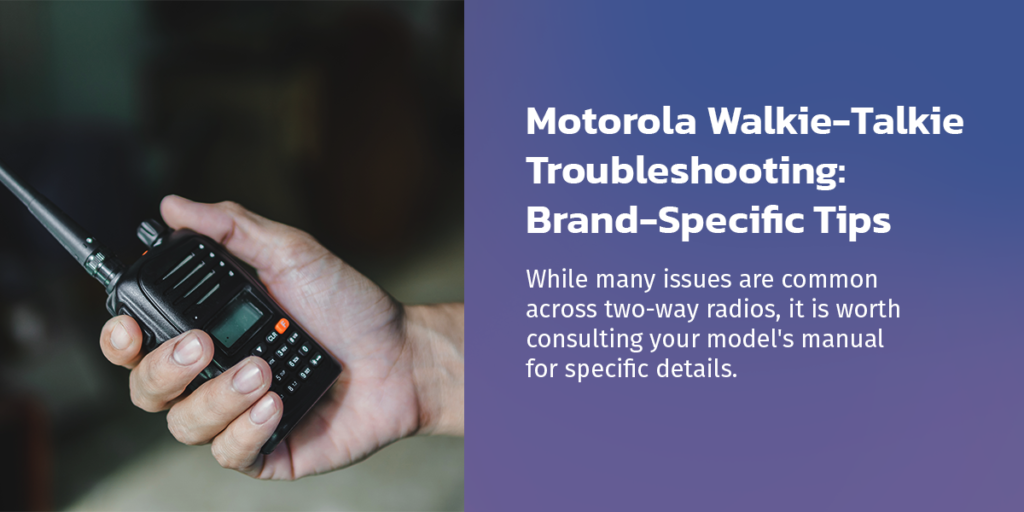
Motorola Walkie-Talkie Troubleshooting: Brand-Specific Tips
While many issues are common across two-way radios, it is worth consulting your model’s manual for specific details.
Each brand and handset can have different LED light statuses, for example. When troubleshooting a Motorola walkie-talkie, there are a few colors and patterns to look for. Here, we’ll focus on the WAVE TLK100. You can see two different kinds of LED light statuses, including operational status and battery capacity. If your Motorola radio isn’t working, these lights can help you identify the type of issue you’re experiencing.
To check your battery capacity, press the Power/Info button. The colors range from blinking red to solid green. Blinking red with an exclamation mark indicates that the battery is very low, with less than 5% capacity remaining. Amber suggests a battery capacity from 25% to 80%. A solid green color indicates high battery levels, ranging from 80% to 100% capacity.
Troubleshoot a Motorola walkie-talkie using these operational status lights:
- Blinking red slowly: If your radio is blinking red but slowly, this indicates the radio is out of service, has a charging failure or has a faulty battery.
- Solid amber: A solid amber light shows you’re in emergency mode.
- Blinking orange or amber: A flashing orange or amber light shows an incoming personal alert or an emergency alert.
- Solid green: The solid green light means the radio is turned on and transmitting. Ambient listening is on.
- Blinking green: When you see a flashing green light,you’re receiving an incoming call.
Various icons can also accompany these lights. In addition to the lights and icons, you may hear different tones. A high-pitched chirp usually suggests that your two-way radio has joined the channel and you are able to speak. A low-pitched bonk sound usually means you can’t talk right now. It could be because the channel is too busy, or you are out of range.
Advanced Diagnostics
When you’ve tried the quick fixes, your issue may still be unresolved. Let’s examine the signs of a more complex issue that requires expert attention.
If you can hear others, but they can’t hear you, you may have an issue with your mic. Try using a remote speaker mic. If this works, it could show your internal mic is broken, or the port is damaged. Alternatively, you could have a broken PTT button.
If you see an error code on the screen that doesn’t clear even after trying basic fixes, it may indicate an issue with the internal board or firmware.
Do not open the casing of your two-way radio. While it could be tempting to try a more advanced fix, opening the casing breaks the IP waterproof seal. This may also void your warranty. If you reach the stage where basic fixes are no longer effective, you need to have your radio professionally repaired.
Why Professional Maintenance Matters
Taking your radio to a professional for repair does more than protect your warranty. It also helps protect your peace of mind by knowing your issue is properly fixed. Trying to fix it yourself might work in the short term, but it could create security gaps and impact operations if a radio stops working during an event.
Another solution to the constant upkeep of owning two-way radios is to rent them instead. Whether you need two-way radios for one-off events or long-term use, renting a fresh, calibrated fleet of radios can be more cost-effective than making do with outdated models. Choose a company that offers good support, like troubleshooting when you need it, or replacement radios, so you minimize downtime.
Find Reliable Two-Way Radios at Communication Rental Services
Often, the problem with your walkie-talkie is a simple fix you can do yourself. When you’ve exhausted the tips in our two-way radio troubleshooting guide, it’s time to consult an expert.
At Communication Rental Services, we offer a professional, nationwide two-way repair service. Since 1992, we have serviced radios for events, universities and security applications. To schedule repairs or learn more about our two-way radio rentals, request a quote today.